PaxCast

Find the opportunities in your network.
Then run the service.

PaxCast is a strategic transport & freight intelligence platform, plotting every bus and rail service, stop, station and census area on one map. It shows who is left without access to public transport, finds the corridors worth serving, and lets you draw a route to see who it would reach.

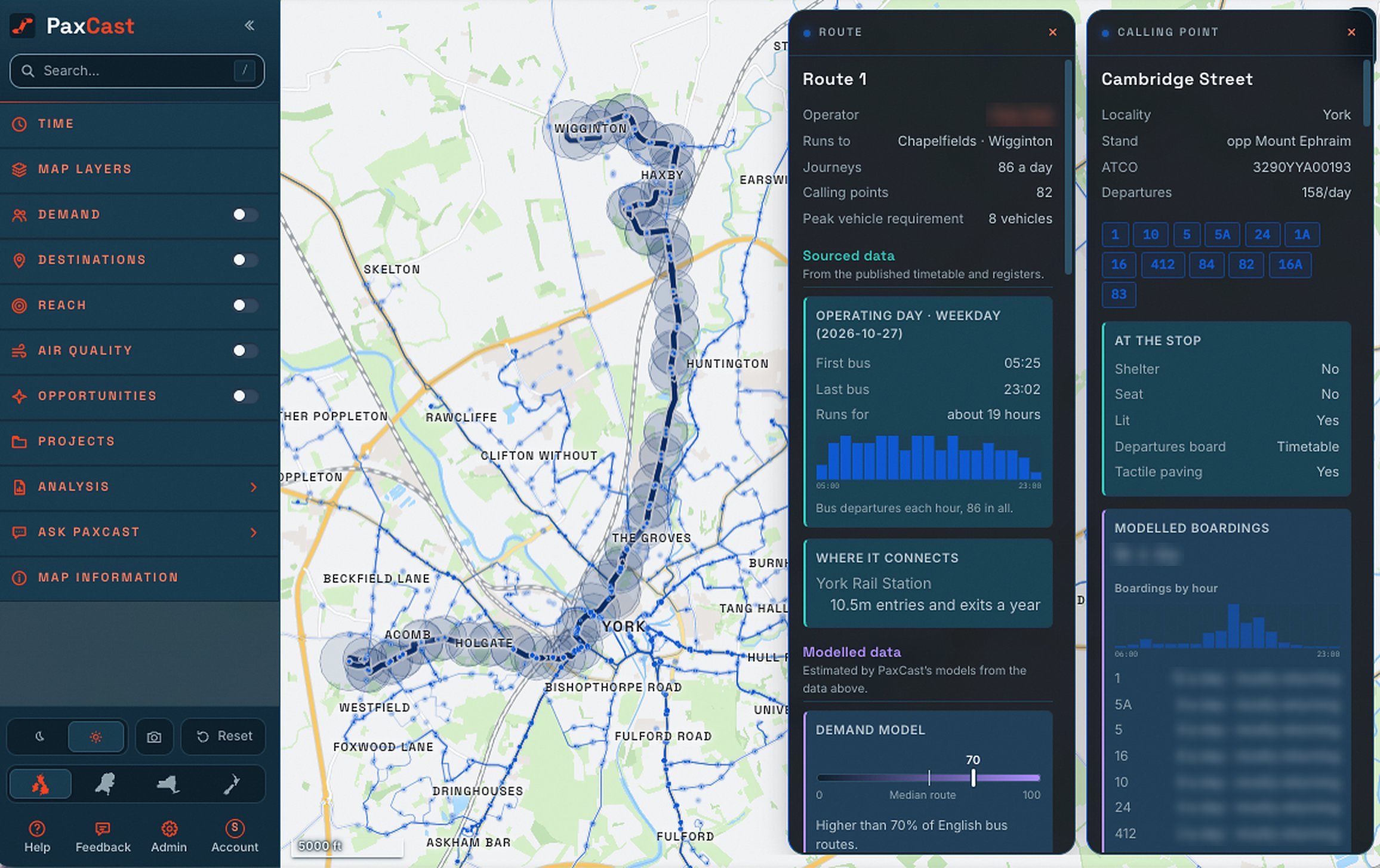
PaxCast's Editor open on bus route 1 in York: its calling points on the right, its line of route and catchment on the map, and its operating day boardings on the right.

409,512

stops, stations, terminals and airports

16,745

bus services, timetabled to the minute

33

automated reports available, as PDF or slides

5

geographies: UK, Ireland, Netherlands, New Zealand, New York State

01  What it does

Know what a route reaches, before you run it.

Find the shortfall

Where the network falls short, and for who.

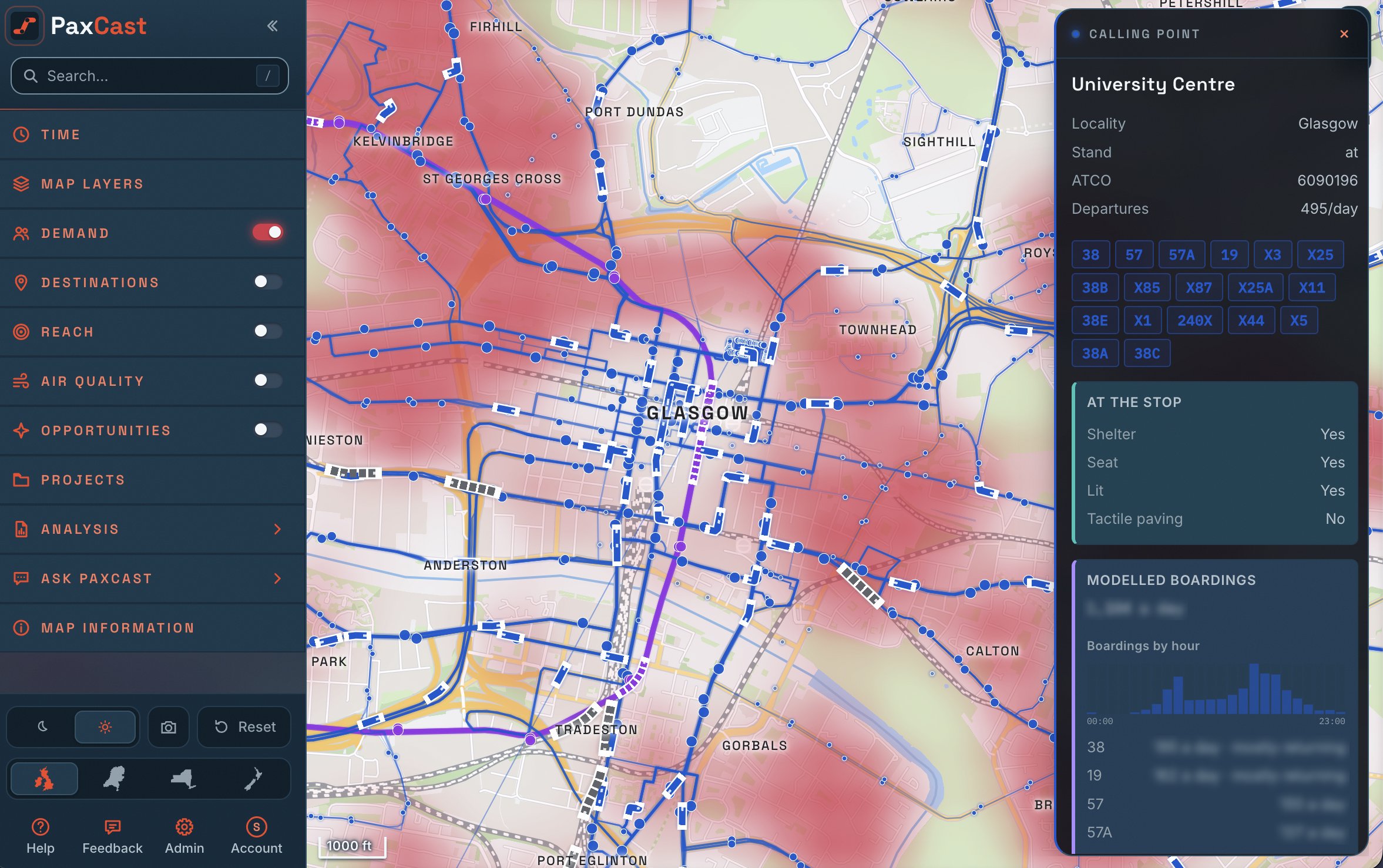
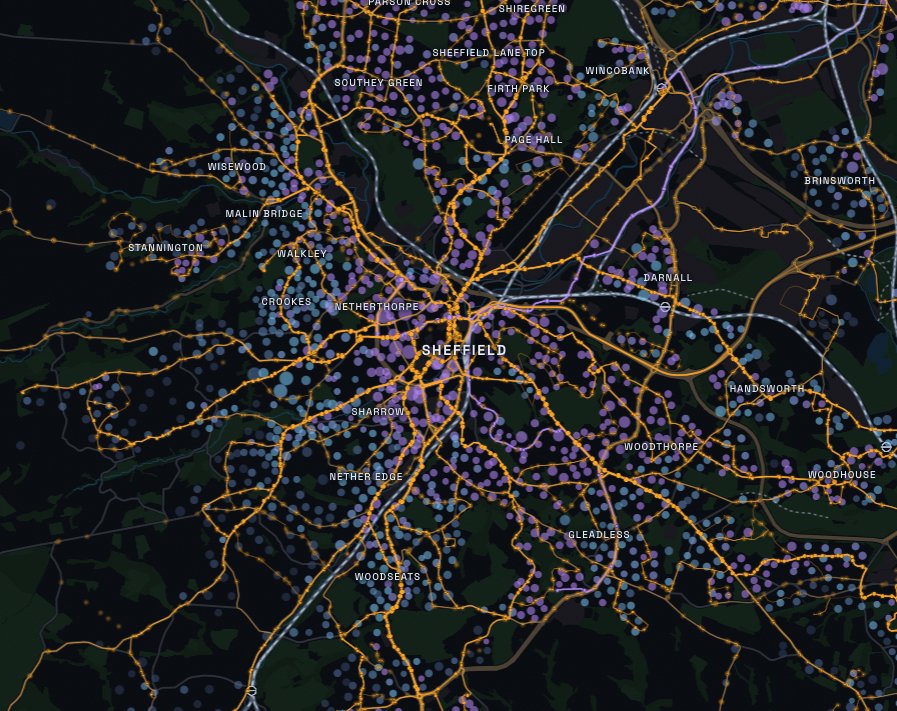
Every census area is scored on who needs a bus, considering demographics, reach and local destinations. Additionally, PaxCast considers the walking distance to a stop, identifying service gaps.

  • Compare needs versus access, across the week
  • How easily can people reach: GPs, schools, jobs, hospitals
  • The necessary services people depend on
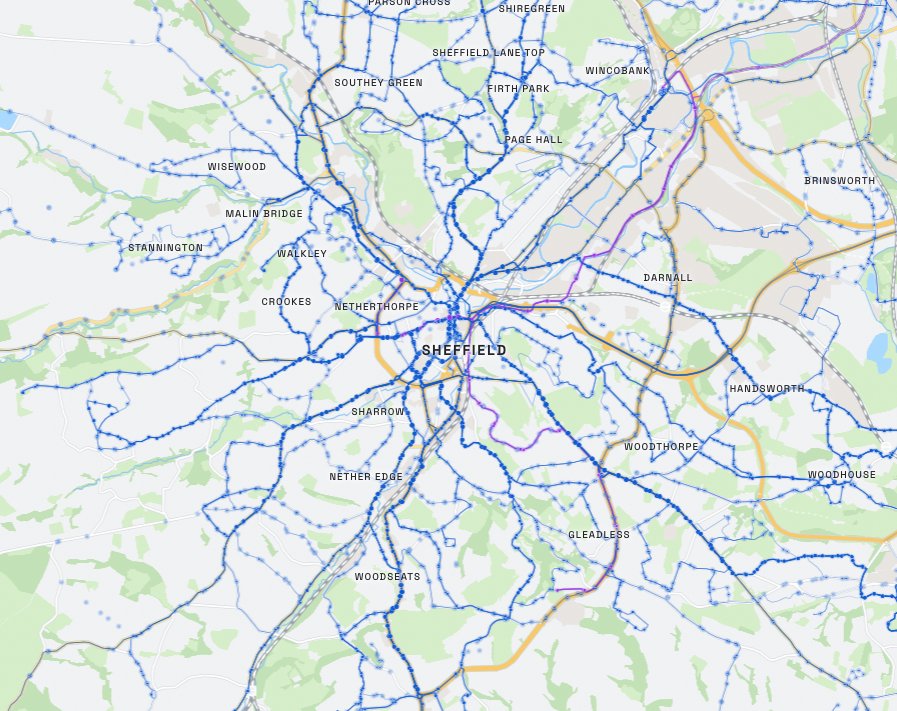
Sheffield's bus network on its own. The network With the need laid over it
Draw a route

Draw a route, and see it costed in real time.

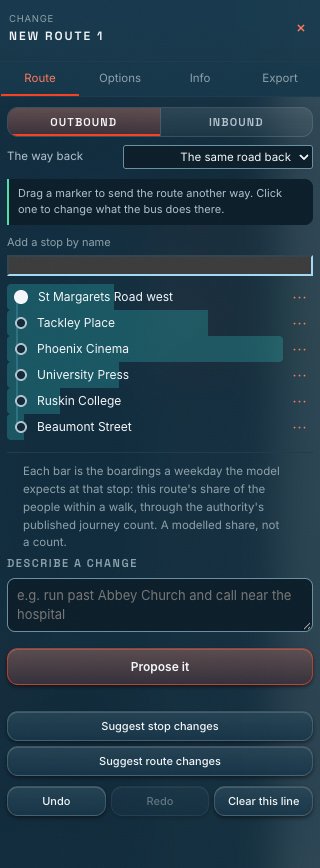
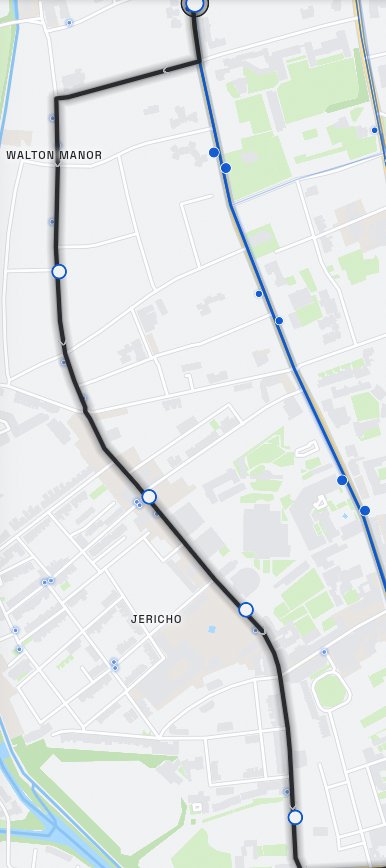
Create a route on the map, or open one that runs today and change it. The figures move with every click: people within a walk, peak vehicle requirement, journeys a day, costs and boardings.

  • Timed at the operator's own published pace, not the speed limit
  • Outbound and inbound drawn independently
  • Opportunities for routes and stops, priced before you commit
The Editor's Info tab on a create a route: its length, buses, running cost and the change against today. The Editor's Options tab: a drawing of the new route on a map.
Illustrative example only.

Projects

Multiple changes, measured as one network.

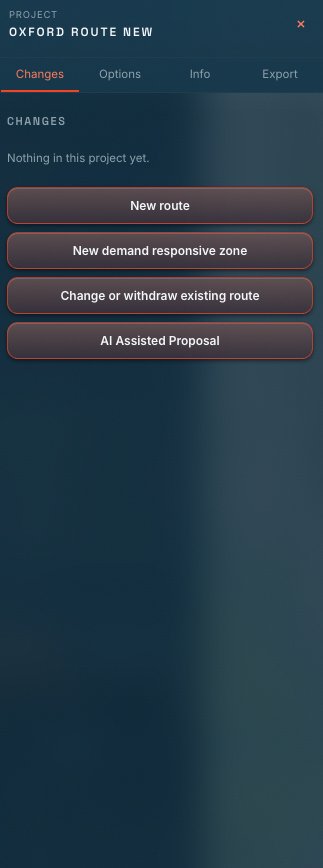
Plan the network as a whole. Build a project containing new routes, amended services and withdrawals together, under one set of assumptions. PaxCast scores them with the appropriate weightings, allowing you to create a business case with one click.

  • Compare before and after for every change, side by side
  • Forecast and appraise proposals considering TAG terms
  • Generate reports and business cases
A PaxCast project holding a change to a route, with the ways to add a new route, a demand responsive zone, AI assistant or a withdrawal. The PaxCast user menu.

Opportunities

Automatically identify network opportunities.

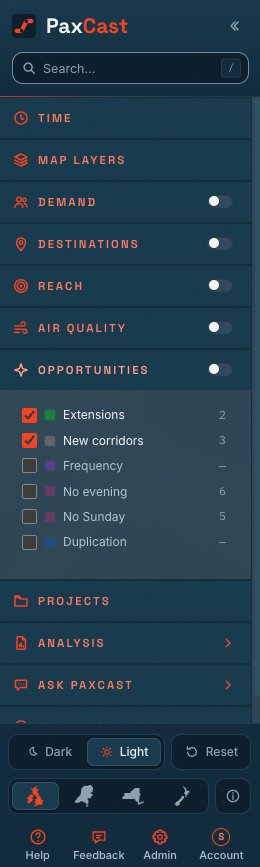
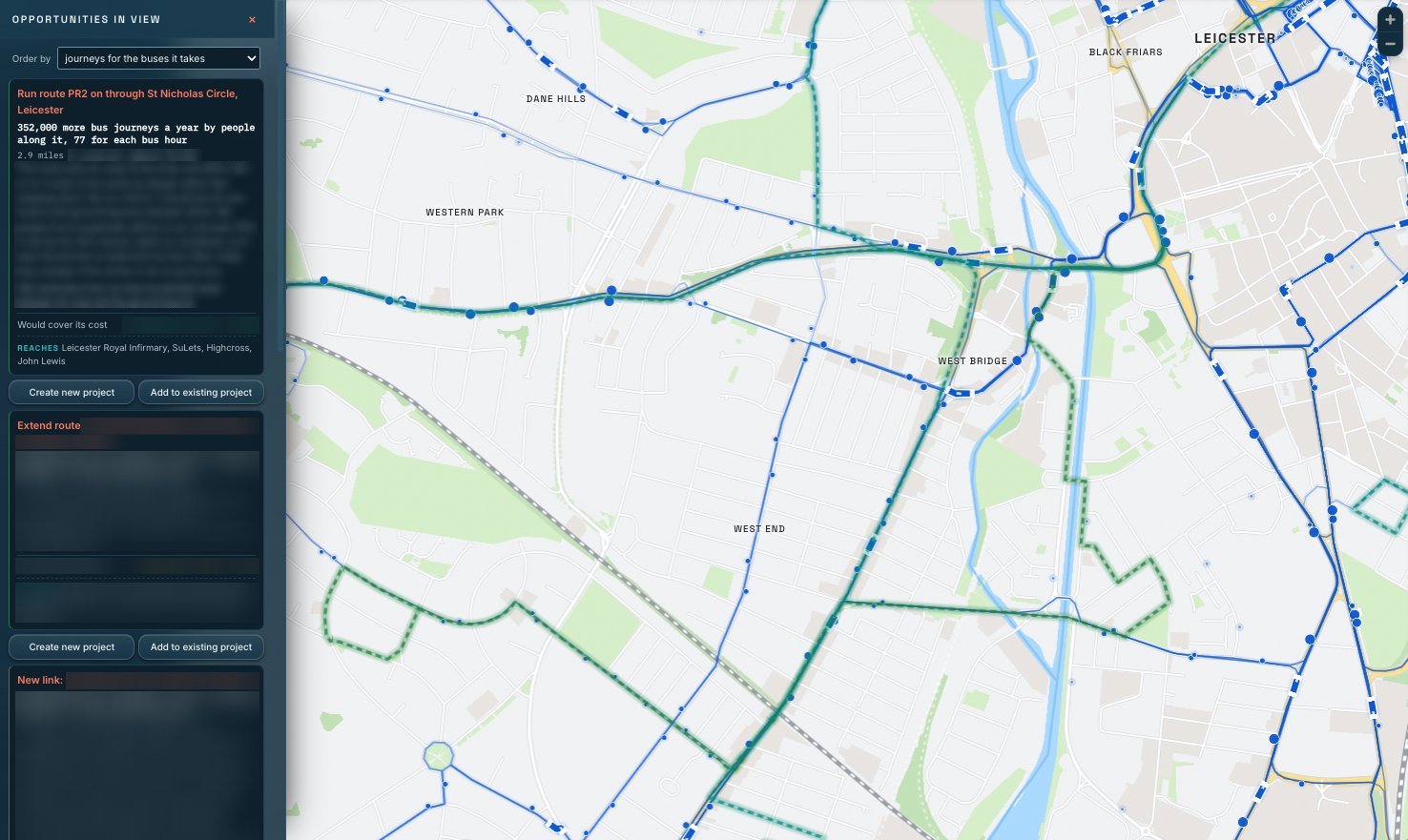
Every week, PaxCast searches the whole network for opportunities: routes that could improve access to healthcare, neighbourhoods with no bus, and those with infrequent services. Each opportunity is costed and ranked by the extra passenger journeys it would bring for every hour of bus time.

  • Identify new links where people already commute and aren't connected by an existing service
  • See opportunities for improving evenings and Sunday services
  • Open and edit any opportunity
The list of opportunities in view over Leicester, each with the journeys it would add and the support it would need.

Reports

Generate detailed reports with a single click.

Over thirty pre-built reports covering any transport area, with line of sight to all sources.

  • PDF or PowerPoint deck
  • Every figure with its source and its date
  • Local transport plan, socially necessary services and demand responsive transport cases
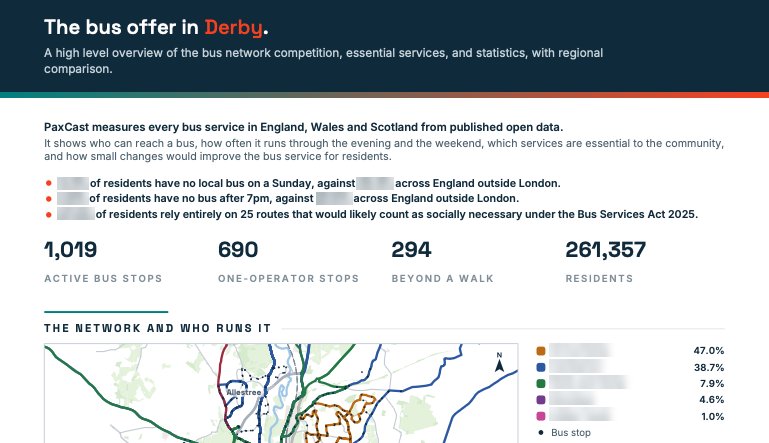
A local authority summary PaxCast report.

Geographies covered

Five geographies: UK, Ireland, Netherlands, New Zealand, New York State

PaxCast analyses transport data from five countries, each checked against its own published counts and priced in its own currency.

  • Compatible with all mainstream operating systems and devices
  • Prescriptive analytics with our built in AI assistant: Ask PaxCast
  • Available as a standard SaaS product or custom builds using our models on your data
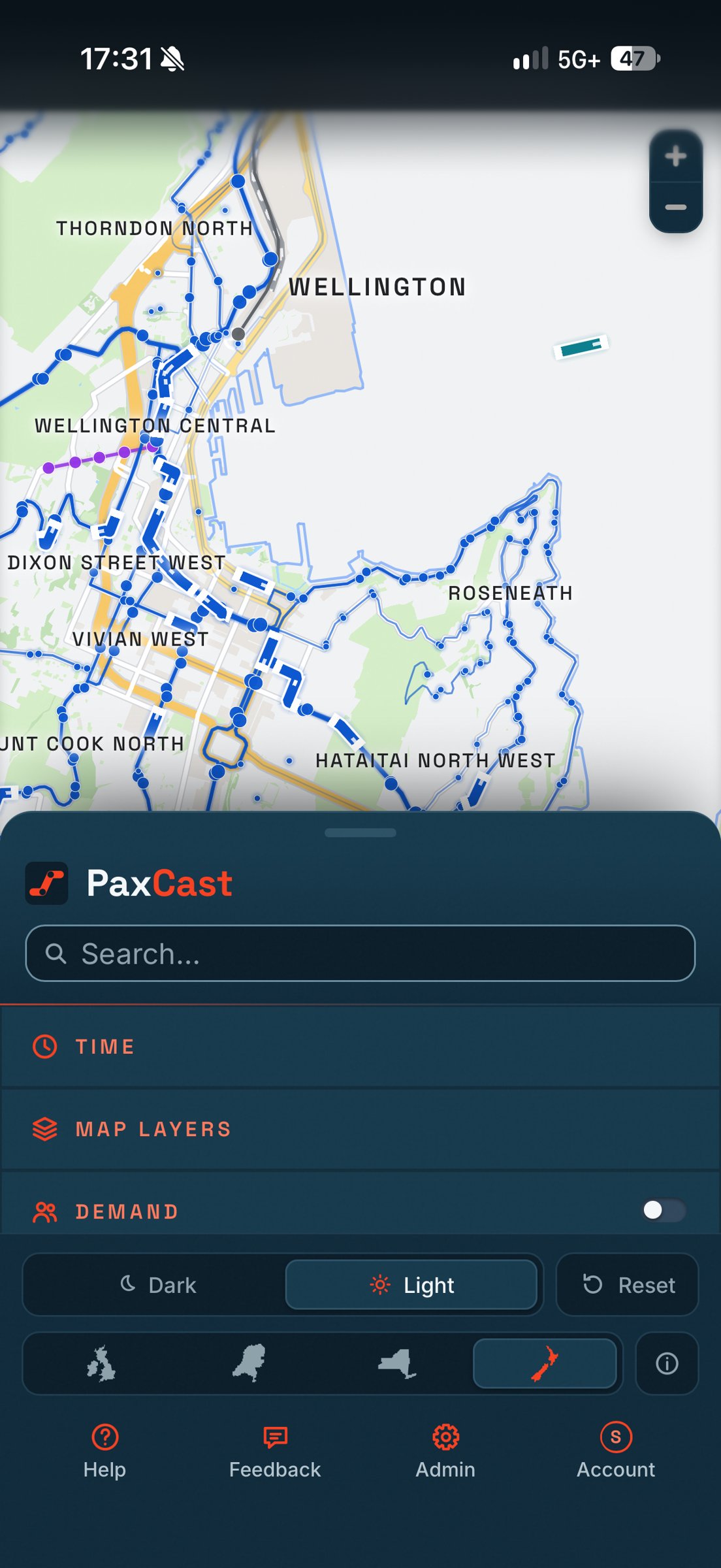
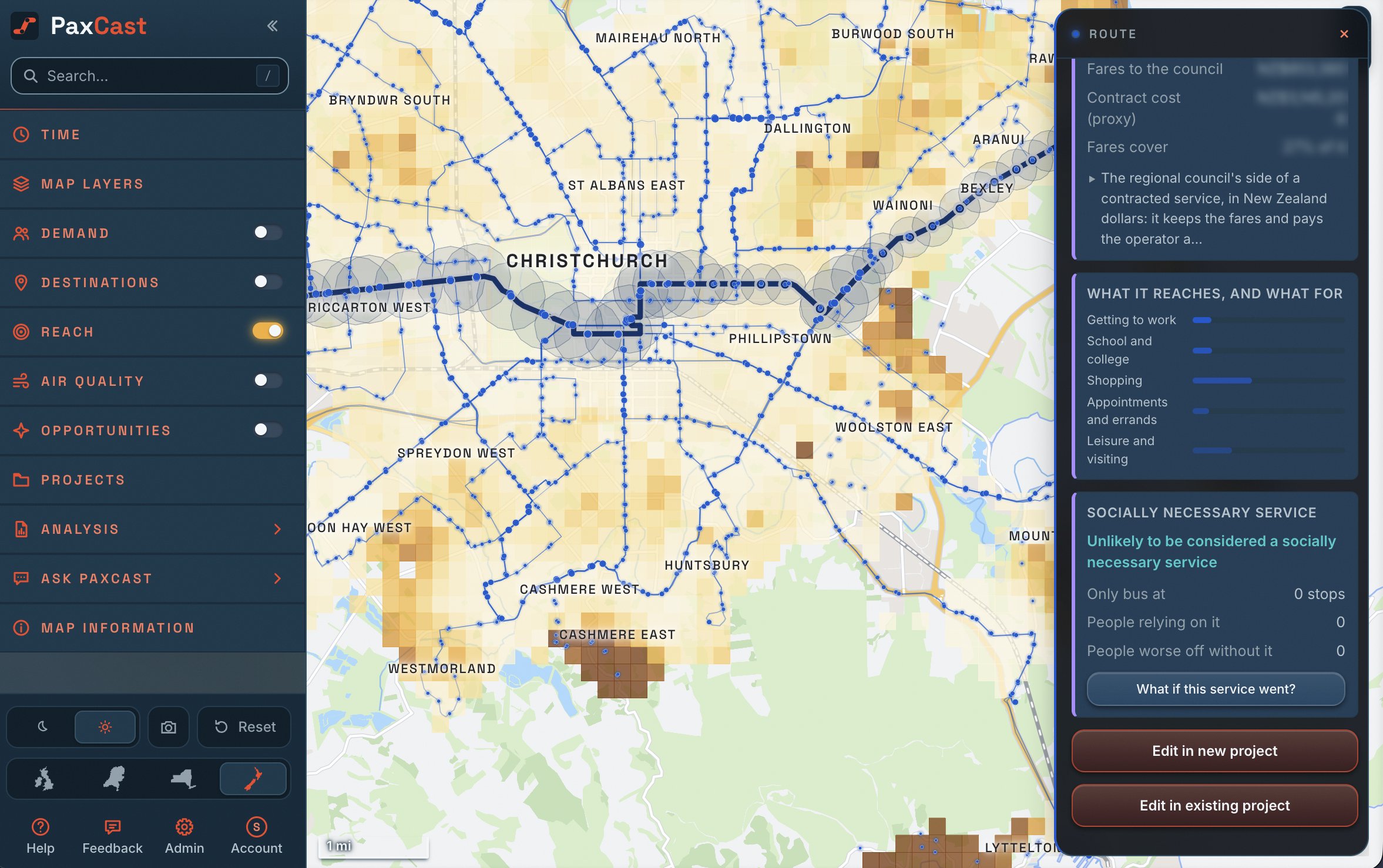
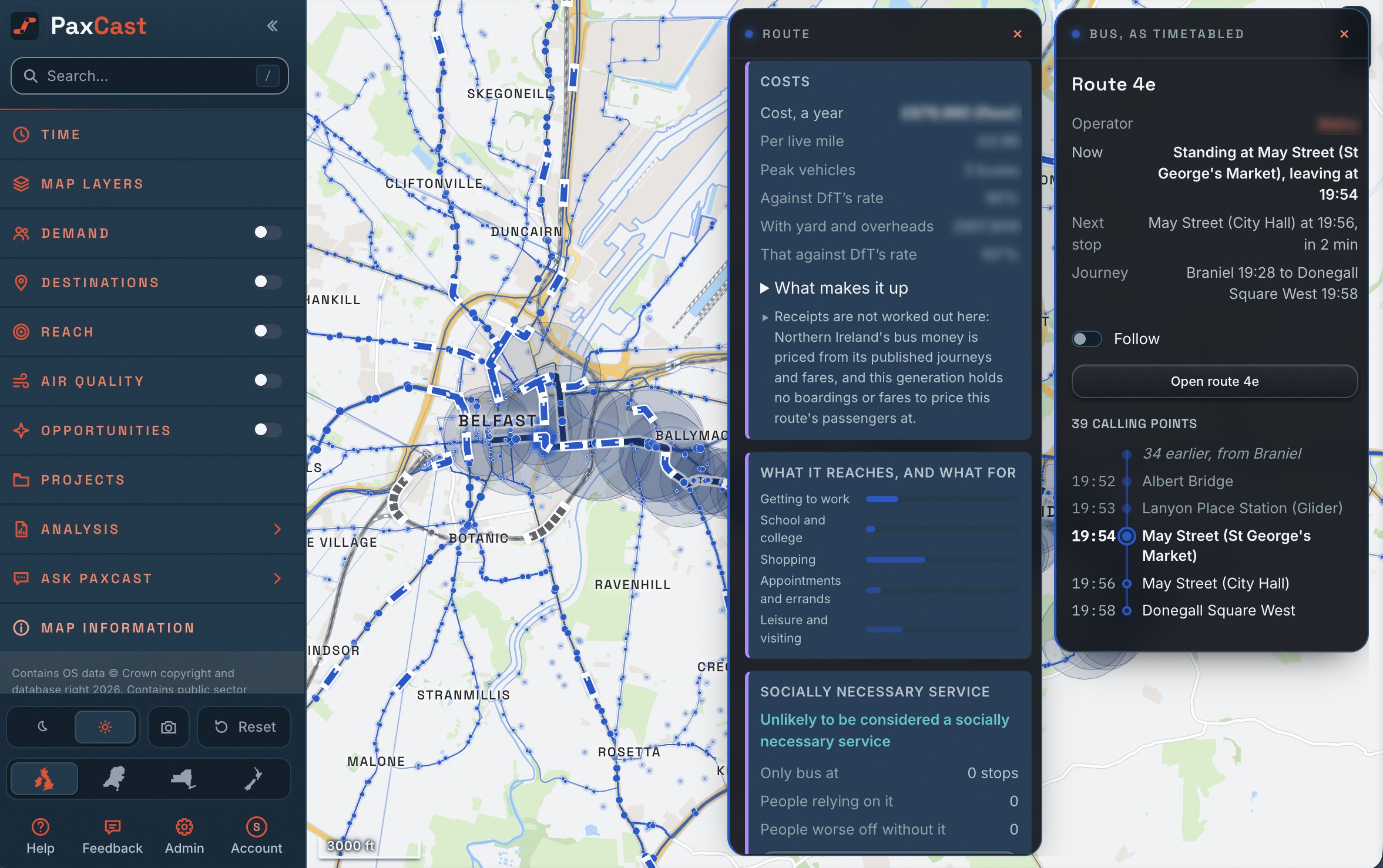
PaxCast on a phone, showing a route in New Zealand.

02  Every route, analysed

Click and understand any service

First bus to last, minute by minute.

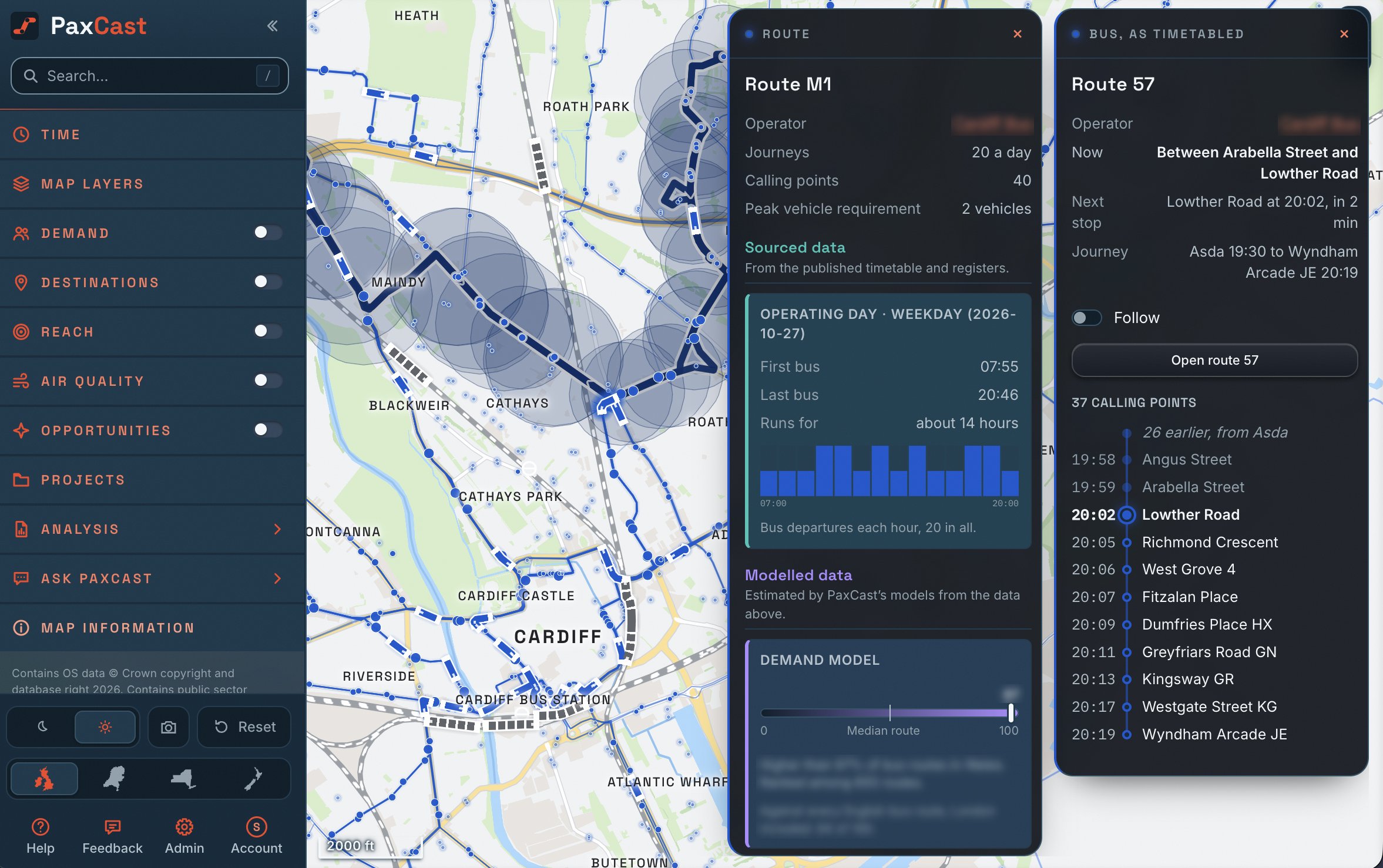
Select your operating time and day to see the timetable: when it starts, when it stops, how many journeys in each hour, and its headway at the morning peak. (Weekday, Saturday or Sunday)

Route 7's operating day: first bus, last bus and its journeys hour by hour.

03  Understand the headway

How many buses does a headway cost?

PaxCast calculates how many buses are needed to run the required headway on any route.

every 15 min

6

buses at the peak (PVR)

136

journeys a day, both ways

90

minute round trip

The buses spaced around the round trip Town centre Estate

6 buses on the road at once. Every 14 minutes would need 7.

04  How it works

Data in. A defensible answer out.

  1. 1

    130+ datasets.

    Every timetable for all regions, including Bus Open Data Service, NaPTAN feeds, census, environmental data, and published statistics.

  2. 2

    Regular updates.

    Routing graphs, a timetable network, demand, access and money models, checked against published figures before anything goes live.

  3. 3

    Answers on the map

    Click a stop, a route or a census area and the information is displayed seconds. PaxCast identifies local opportunities you can accept, refine or decline.

  4. 4

    Enhanced reporting and analytics

    Create a business case, report, briefing or slide deck in seconds.

05  Coverage

Regions covered.

Covered

Multiple Plans Available

Standard

  • Bus Stops and Routes
  • Rail and Ferries
  • Bus Depots (England)
  • Demographics
  • Administrative Boundaries
  • Bus Competition
  • Route Image Editor
  • Ask PaxCast AI Assistant

Advanced

  • Everything in Pro
  • Opportunity Analysis
  • Projects
  • 10+ Analysis Reports
  • AI Report Builder
  • DRT Planner
  • Route Planner (Bus, VLR, Tram)

Enterprise

  • Everything in Advanced
  • MCP AI Integration
  • Custom Data Importing
  • Dedicated Environment

Discounted pricing available for 24 and 36 month commitments.

Talk to Us